Members and permissions
Roles
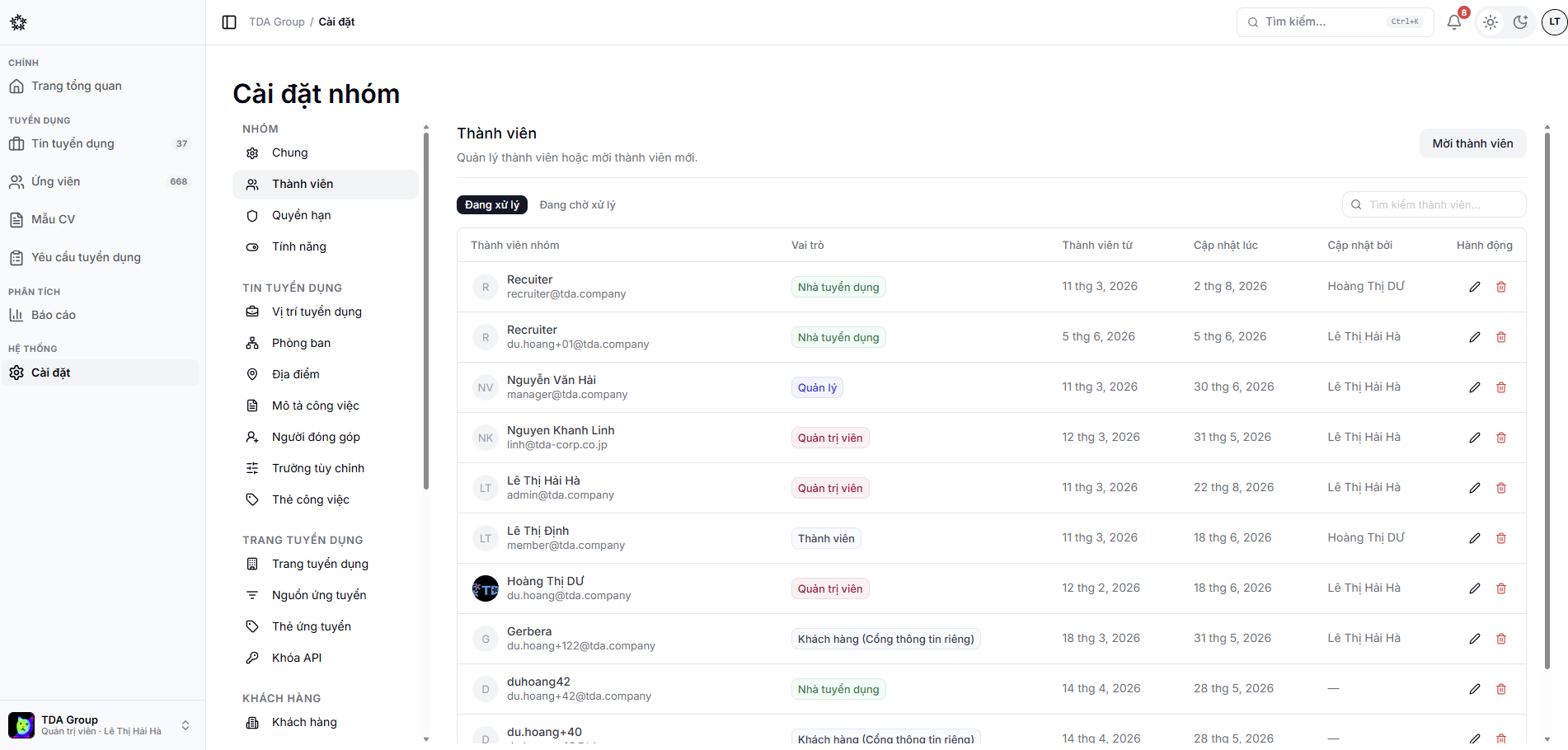
A team can use roles such as Admin, Manager, Recruiter and Member. The detailed permissions decide what data and actions each person gets.
Inviting a member
- Open Settings → Members.
- Enter the email address.
- Pick a suitable role.
- Send the invitation and follow its status.
Adjusting permissions
Admins can open Settings → Permissions to review the scope of each role. Apply least privilege and review it regularly, especially for data export, settings and member management.
warning
Changing a role or removing a member can affect work that is currently assigned to them. Check the related applications, events and requests before you confirm.