Recruitment setup
Shared configuration keeps new jobs consistent and cuts down on repeated work.
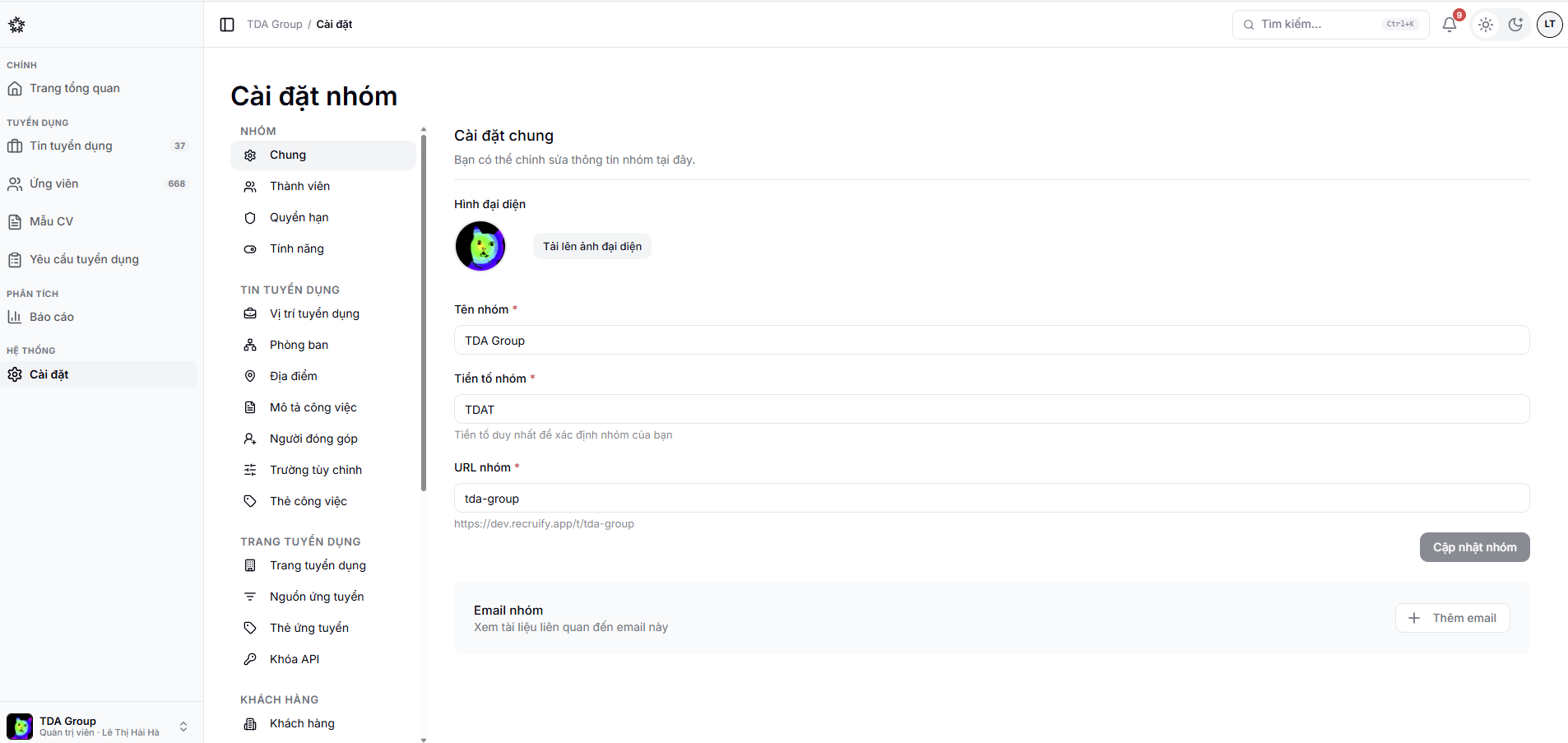
Organisation and jobs
- Job positions, departments and locations;
- Job descriptions;
- Contributors, tags and custom fields;
- Application sources.
Pipeline
- Pipeline templates;
- Screening questions;
- Scorecards and test templates;
- AI interview scenarios;
- Custom forms;
- Rejection reasons and offer templates.
Communication
- Email templates;
- Interview templates;
- Calendar and meeting connections.
Pipeline templates
A pipeline template is the sequence of stages an application moves through, for example New → Screening → First interview → Second interview → Offer → Hired.
- Open Settings → Pipeline templates.
- Create a template and name it after what it is for.
- Add each stage in order.
- Save, then attach the template to a job in that job's settings.
Each job keeps its own copy
Attaching a template gives the job a copy of the pipeline. Editing the original template later does not change jobs created earlier, so applications already in flight are never disturbed. To change a live position, edit the pipeline in that position's settings.
When you edit a template that is already in use, check whether the change applies only to new content or affects existing data as well.
For the detail, see Screening questions and custom fields, Email and email templates and Rejections and outcomes.