Pipeline automation
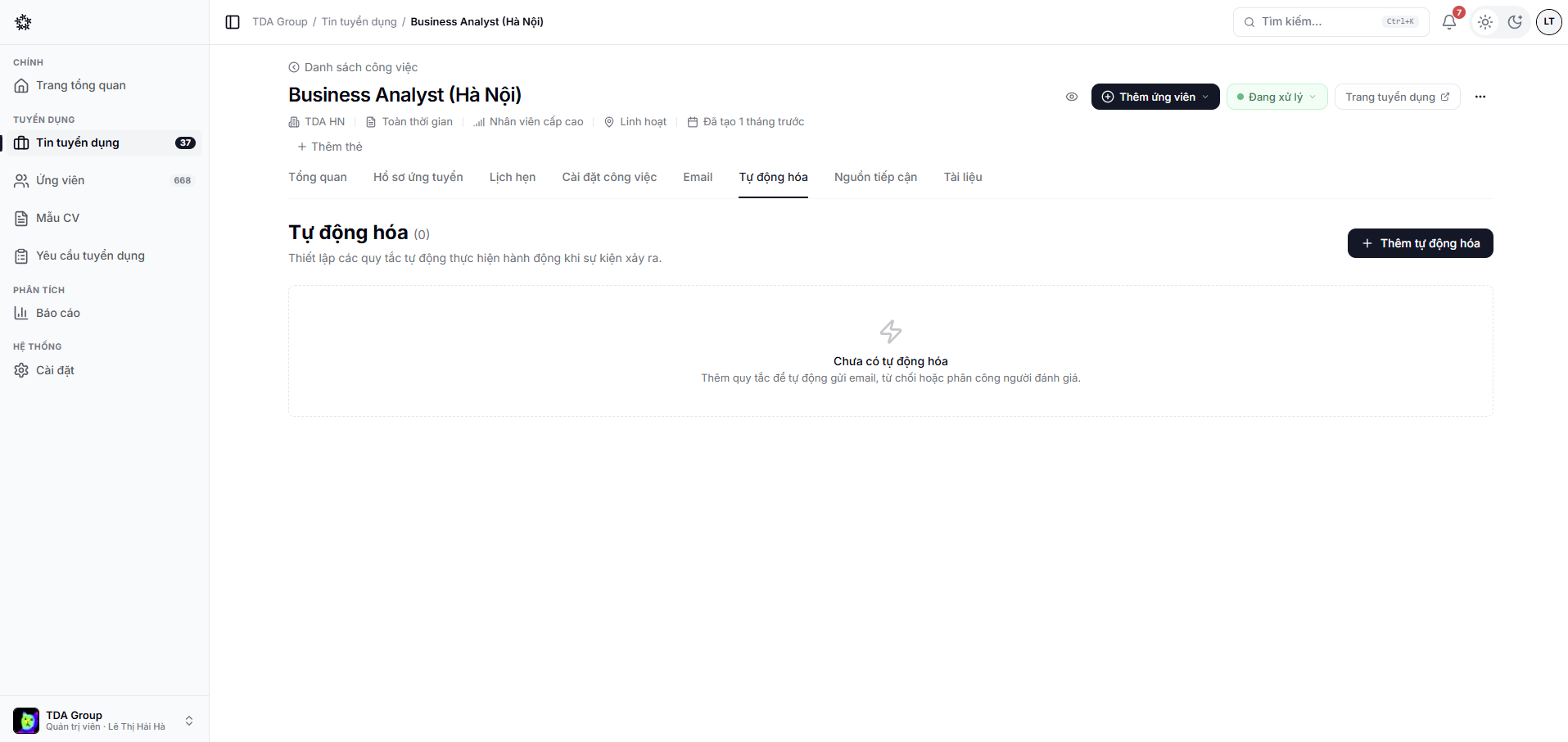
Automation helps the team respond consistently when an application changes stage or meets a configured condition.
Common actions
- Send an email from a template;
- Assign an evaluator;
- Notify a member;
- Reject an application when a condition is met;
- Call a webhook to sync another system.
Setting one up safely
- Be precise about the triggering event and conditions.
- Choose the action and who it applies to.
- Check the email template and its dynamic data.
- Try it on an internal application before rolling it out.
- Watch the history to confirm the result.
warning
Be especially careful with reject and send-email actions. A single stage change can fire one the moment the rule is saved.