Create and publish a job
Before you start
Have the position title, department, location, owner, job description and the intended evaluation process ready.
Creating the job
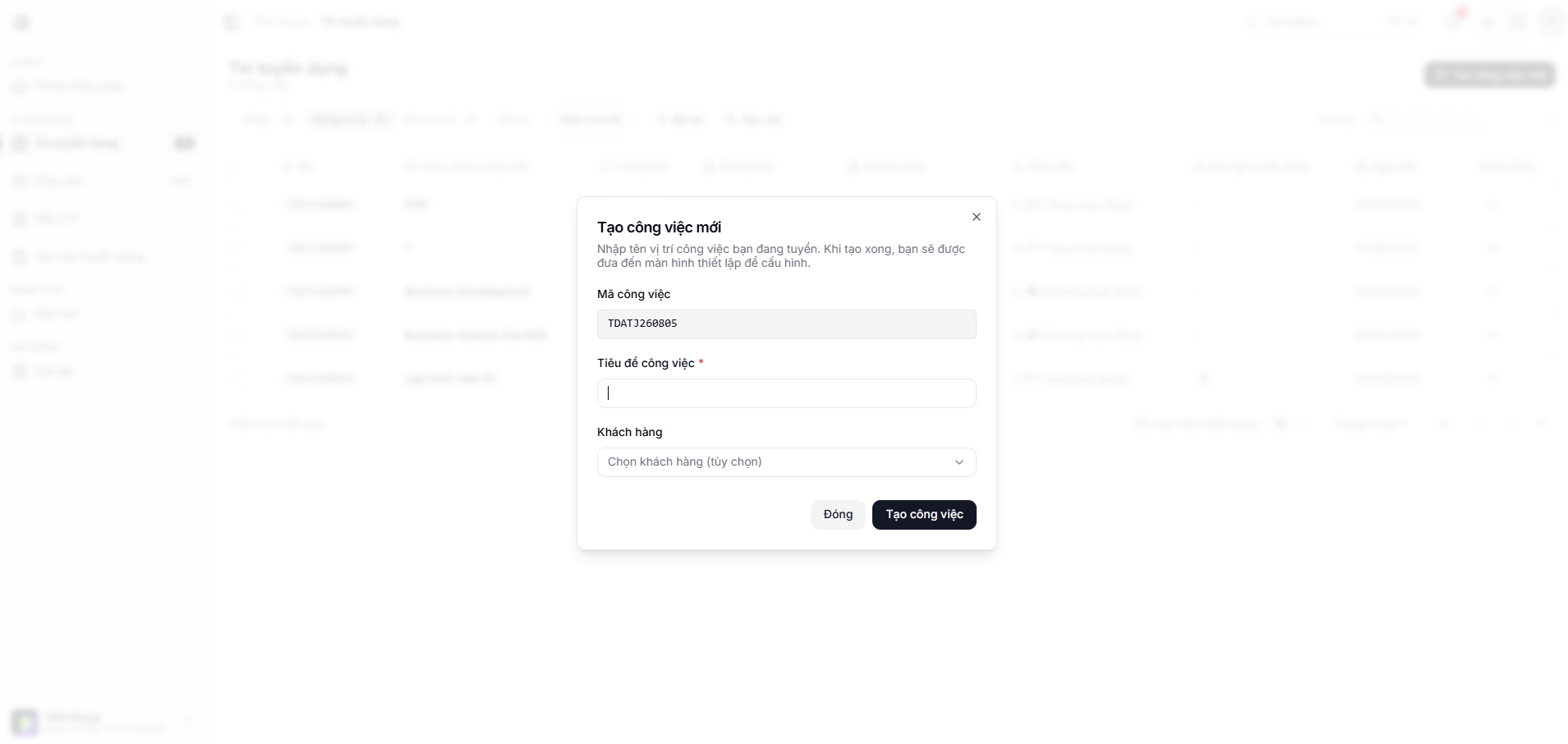
- Open Jobs and choose the create action.
- Fill in the basic details of the position.
- Pick or set up the hiring stages.
- Add the owner and any other contributors you need.
- Check the application form and the screening questions.
- Save the job.
Before you publish
Check everything a candidate will see:
- A clear title and description;
- Location, work arrangement and contract type;
- Which form fields are required;
- Screening questions and any auto-reject conditions;
- How the position appears on the career page.
After you publish
Open the public page from the job link and walk through the whole application flow. Do not use real personal data for a test application.