Dashboard
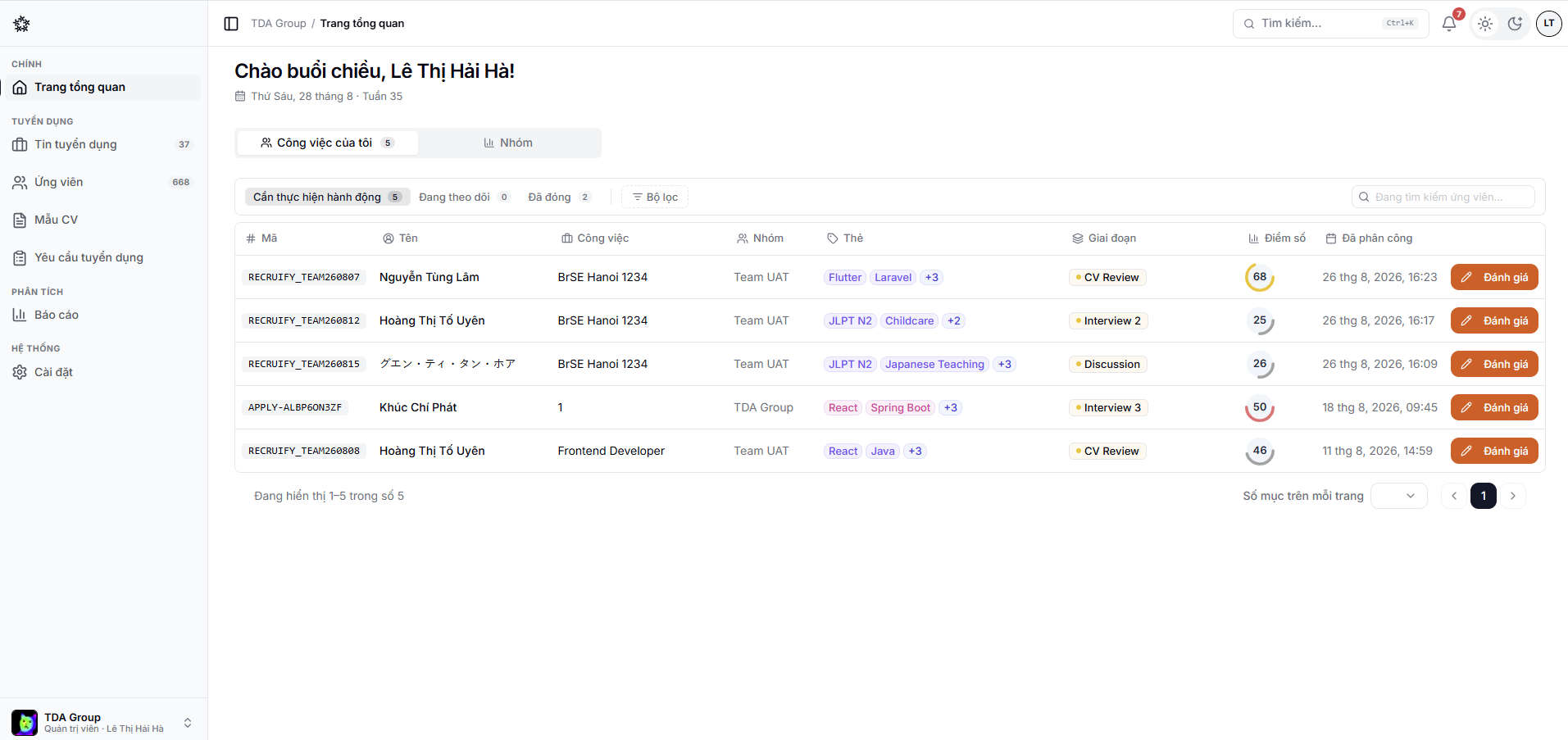
The dashboard is where a recruiting team starts its day.
What it shows
Depending on your data and permissions, the page may show:
- Total applications and active jobs;
- Upcoming interviews;
- Applications waiting to be screened or actioned;
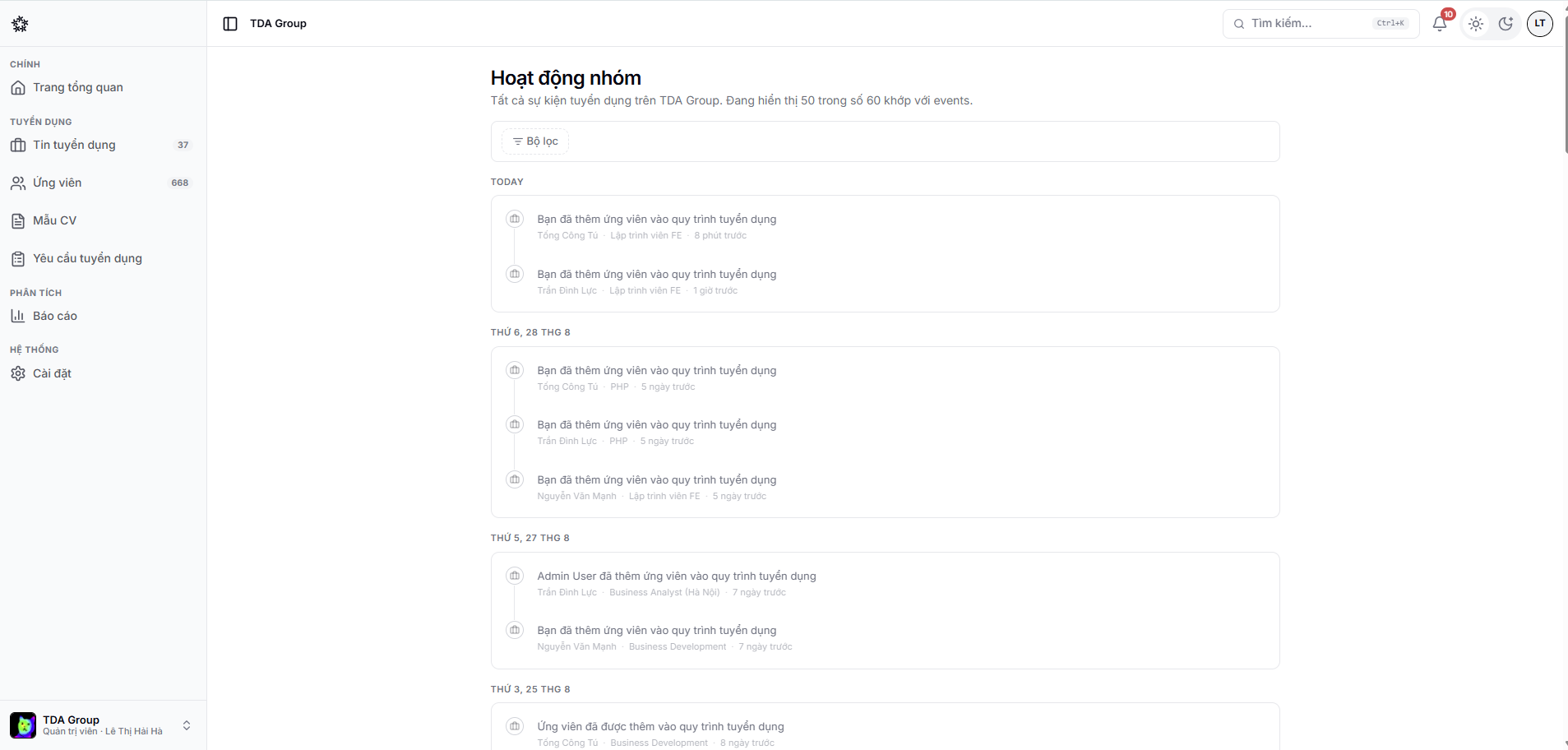
- Recent team activity;
- Application trends over time.
Team activity also has a page of its own, listing every hiring event by day, with filters.
Getting the most out of it
- Deal with the items flagged for attention first.
- Open an application or an interview straight from its card.
- Use Reports when you need to dig deeper by job, source or member.
The numbers here are limited to the data your role is allowed to see.