Career page
The public career page presents your open positions and takes applications from candidates.
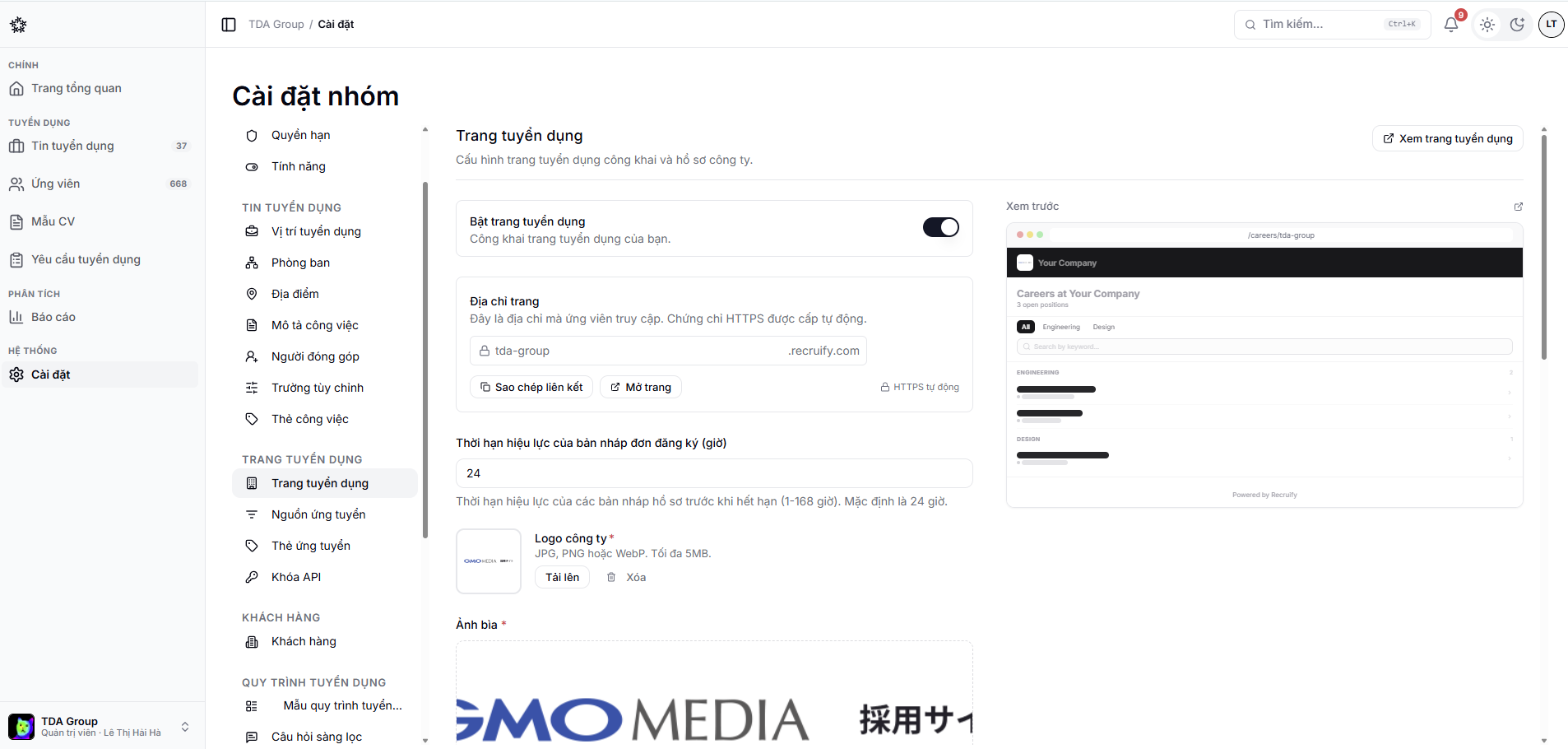
Branding setup
Under Settings → Career page, update your company details and the public address if your team is allowed to use one. Check the logo, the introductory copy and the contact details.
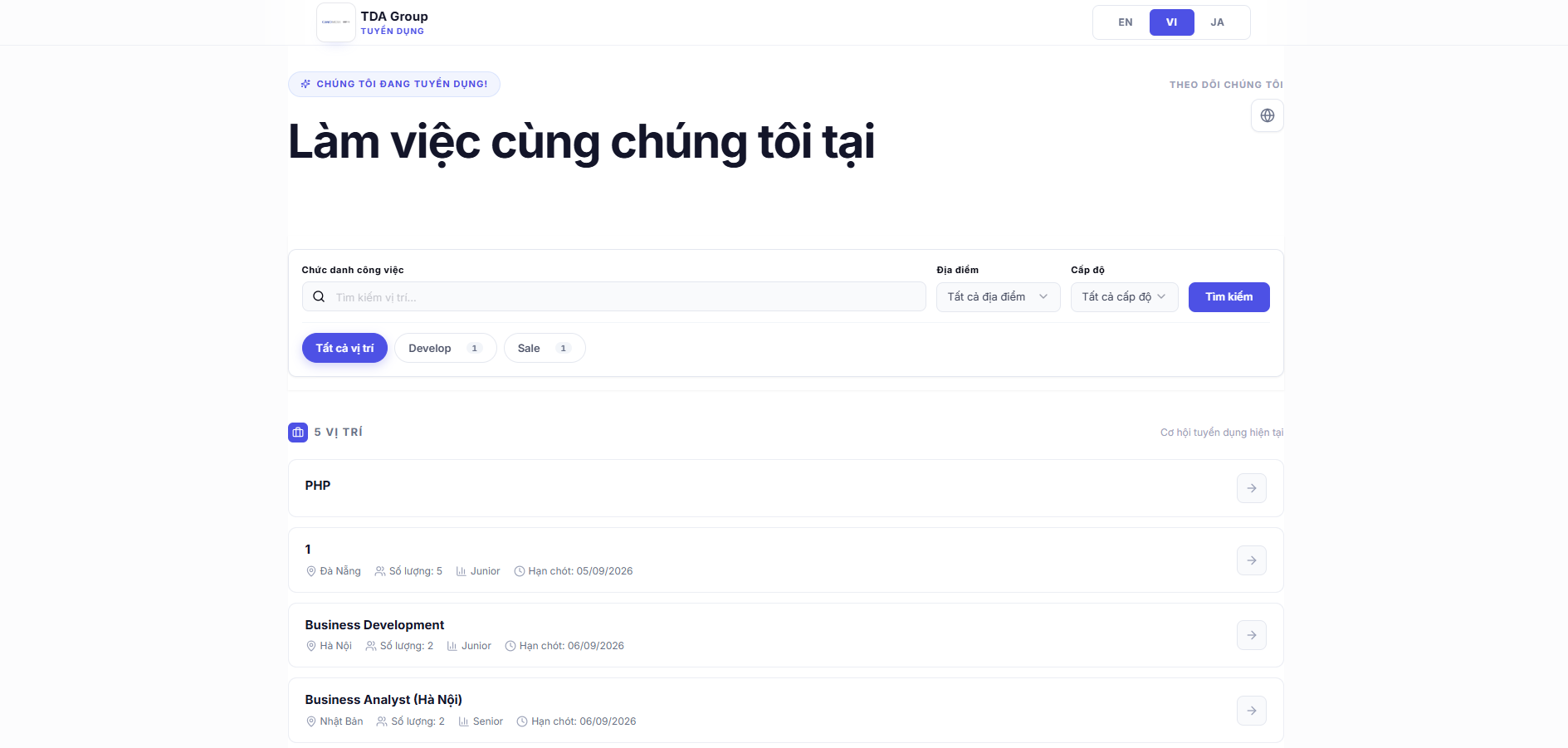
What candidates see
Candidates can filter positions by data such as department or tag, open a position and submit an application form. The content itself comes from each job's own configuration.
Check before you share it
- Open the page in a private window;
- Try searching for a position and opening it;
- Test the form on desktop and on a phone;
- Confirm the test application lands on the right job;
- Remove or archive the test data afterwards.