Managing candidates
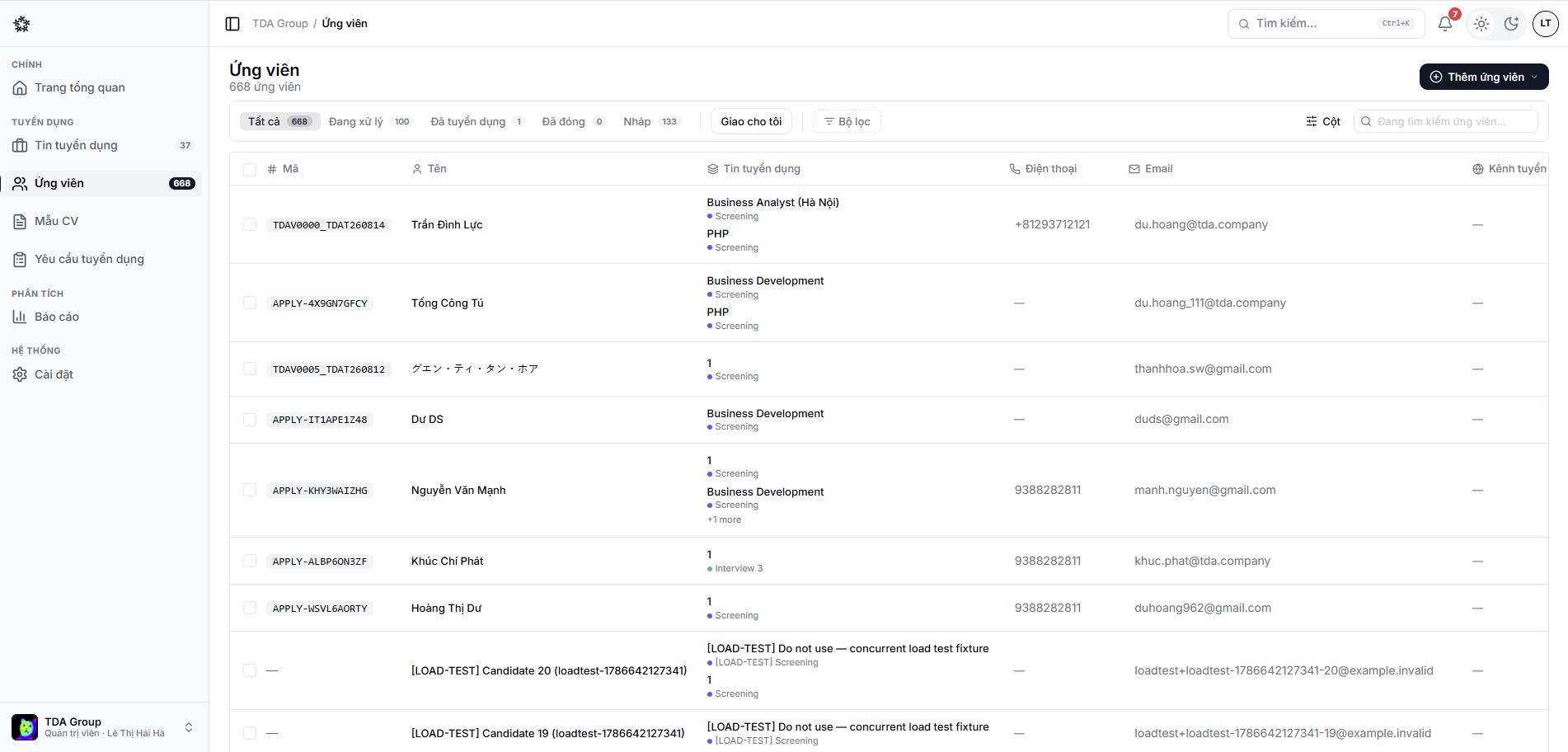
The Candidates area brings together every profile in the team, including people who apply to more than one position.
Ways to add a candidate
- Receive an application from the public career page;
- Add one manually;
- Upload a CV to create the profile from it;
- Upload several CVs at once for bulk import;
- Pick an existing candidate for another job.
For the steps, see Adding candidates and bulk CV upload.
Finding and organising
Use search, filters, tags and custom fields to narrow the list. When acting in bulk, always check the number of selected rows before confirming.
Duplicate detection
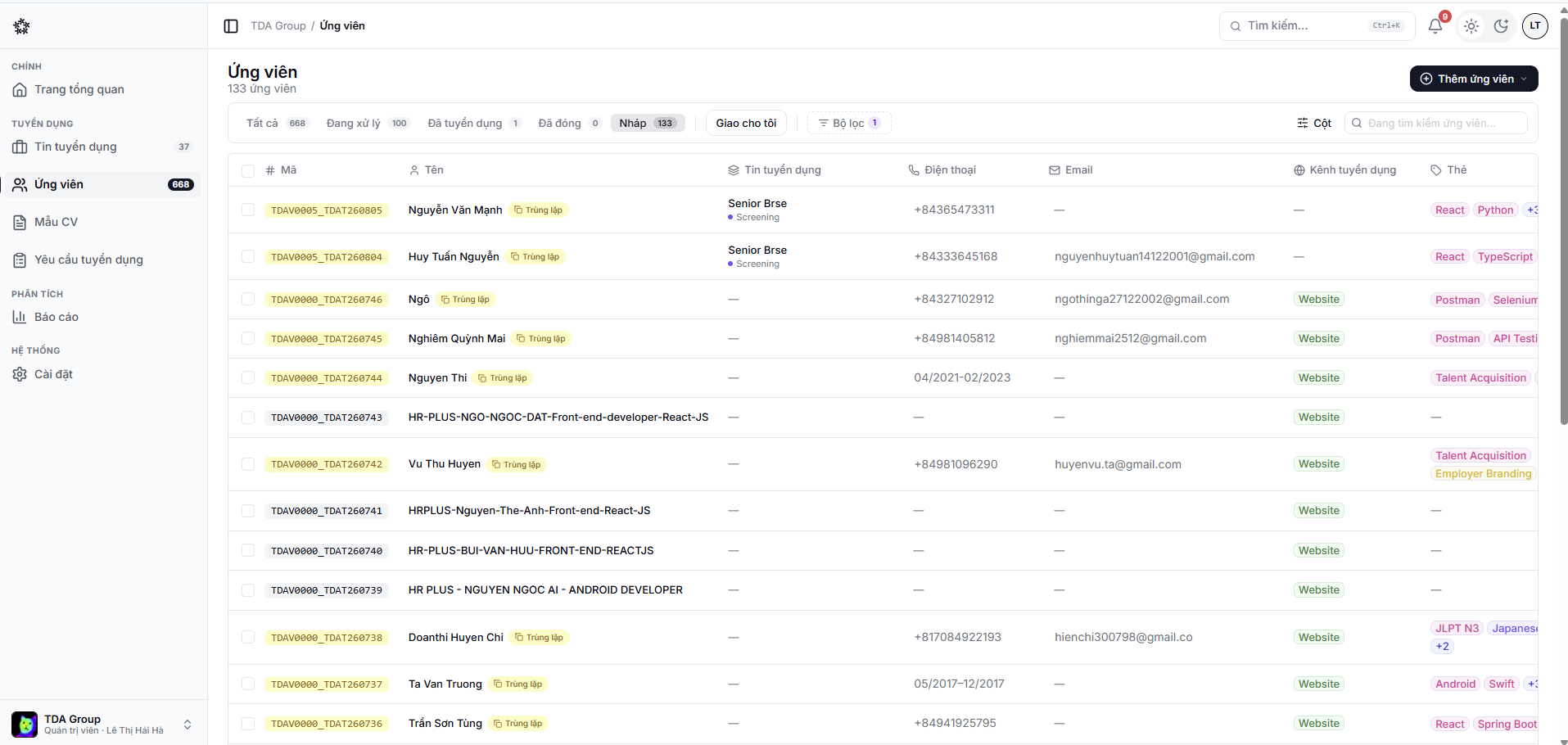
Recruify can help spot duplicate profiles using signals such as email, phone number or name. Check the data and the history before merging, so you do not lose hiring context.
Once a profile is in
Every CV is queued for analysis: Recruify extracts experience, education and skills, tags the skills and scores the profile against the job description. See AI CV parsing and scoring.
Filtering by skill tag is the fastest way to find an earlier candidate for a new opening — the AI applies the tags while reading the CV, so the talent pool stays searchable without anyone tagging by hand.