Calendar and time polls
The Calendar area collects the scheduled interviews you are allowed to see.
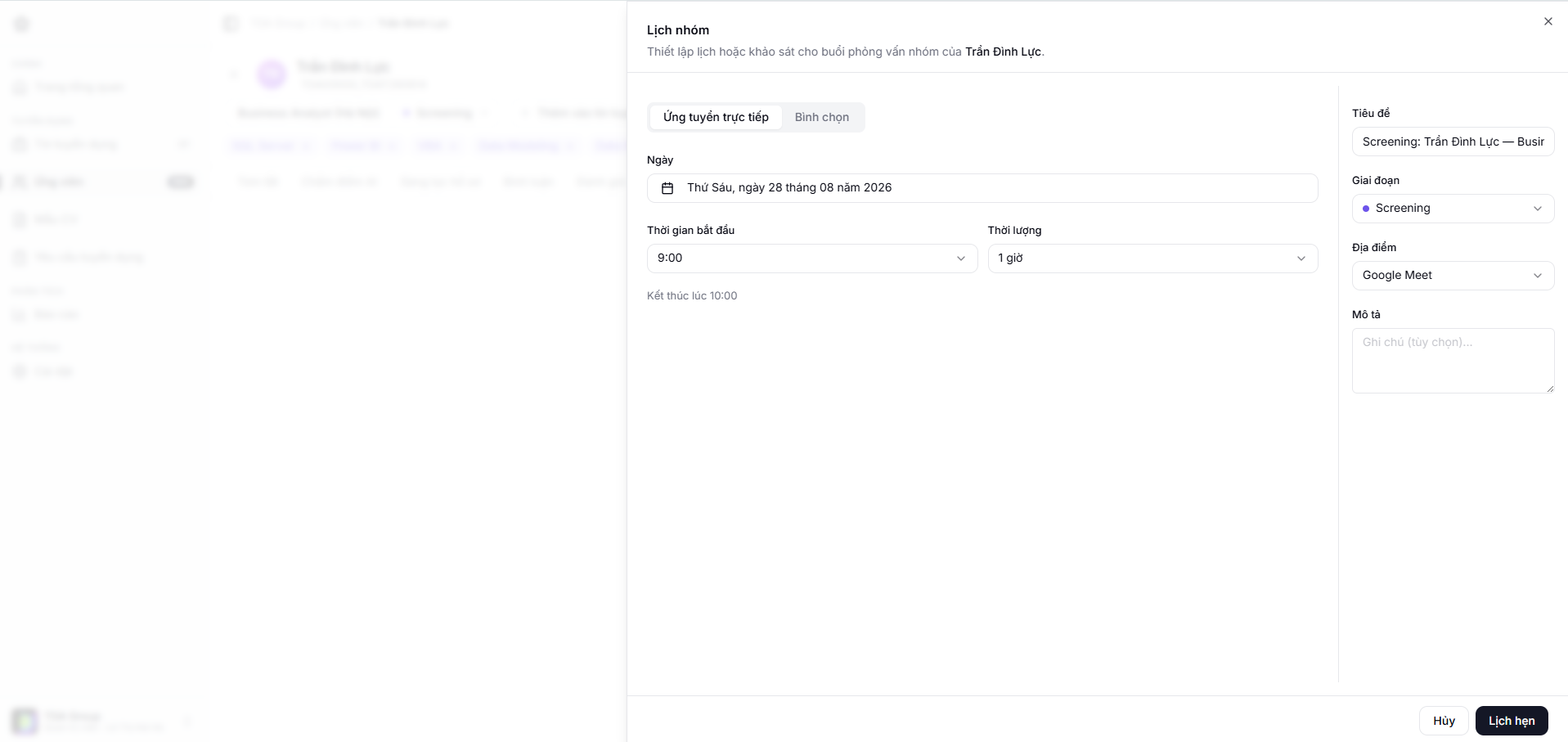
Scheduling directly
Pick the candidate, the attendees, the time and the meeting details. Check the time zone before sending the invitation, especially when people are in different regions.
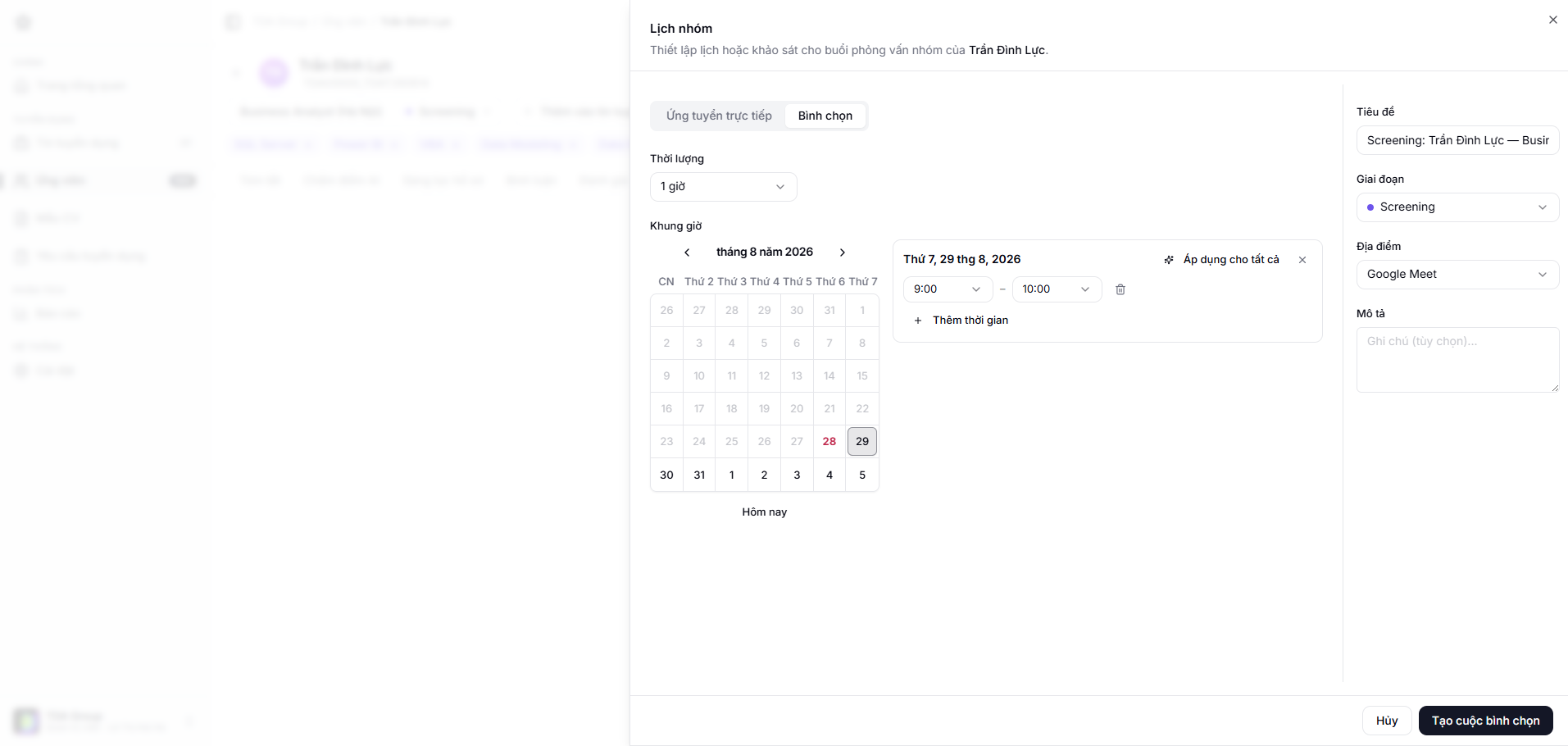
Time polls
When there is no obvious common slot, create a poll and send the options to the attendees. Once the responses are in, confirm the final time so the calendar updates.
When plans change
Cancel or reschedule from the event itself, and check who receives the notification. Add a clear note if the change is last-minute.